
Binance is one of the largest and most widely used cryptocurrency exchanges in the world. Whether you are new to crypto or looking to expand your trading activities, understanding how to deposit funds and navigate the platform is essential. This guide will walk you through the key steps to recharge your Binance account and use the exchange effectively.
First, let’s clarify what “recharging” means on Binance. Depositing funds into your Binance account can be done in two primary ways: depositing cryptocurrency or depositing fiat currency (such as USD, EUR, or other government-issued money). For cryptocurrency deposits, you need to obtain the correct deposit address for the specific digital asset you want to send. For fiat deposits, Binance offers multiple options including bank transfers, credit or debit cards, and third-party payment providers.
To deposit cryptocurrency, log into your Binance account and navigate to the “Wallet” section. Select “Deposit” and choose the cryptocurrency you wish to deposit. Binance will generate a unique wallet address and a corresponding network. It is critical to select the correct network (for example, ERC20, BEP20, or TRC20) because sending funds on the wrong network may result in permanent loss. Copy the address or scan the QR code from your external wallet or exchange, and complete the transfer. Once the transaction is confirmed on the blockchain, the funds will appear in your Binance wallet.
For fiat deposits, go to the “Buy Crypto” section or select “Deposit” under fiat currency. Choose your preferred currency and payment method. If you use a bank transfer, you may need to complete verification processes such as identity verification (KYC) first. Follow the on-screen instructions to enter the deposit amount and complete the payment. Processing times vary: card payments are typically instant, while bank transfers may take one to five business days.
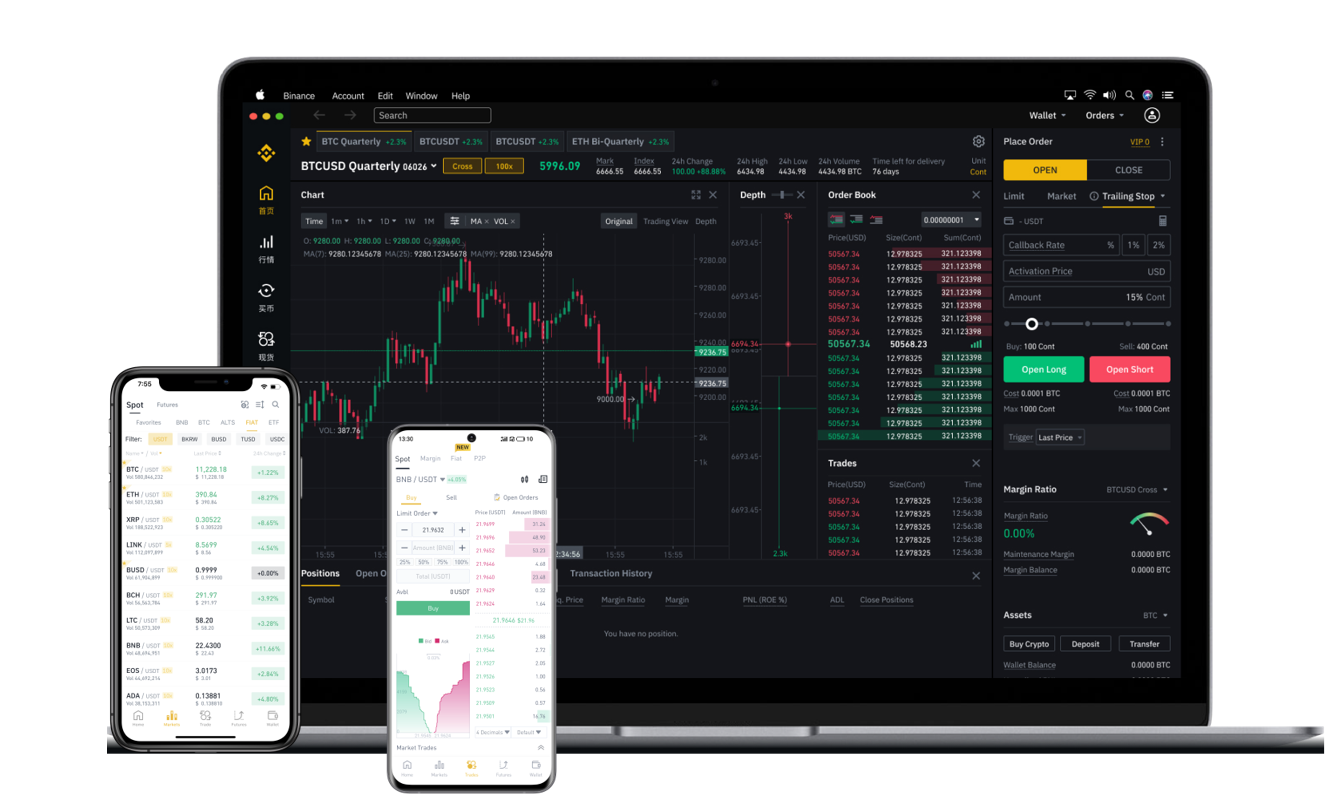
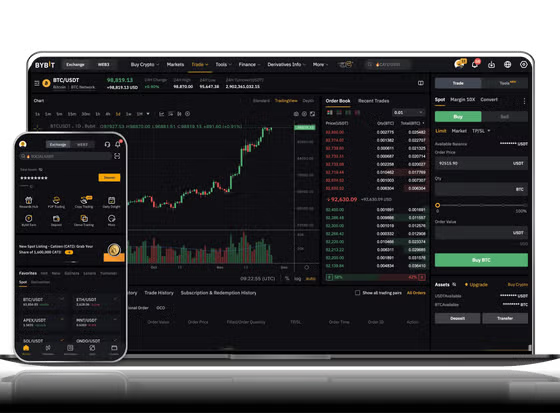
Now that your account has funds, you can start using Binance. The platform offers various features including spot trading, futures trading, staking, and savings. For beginners, spot trading is the simplest way to buy or sell cryptocurrencies. Go to the “Trade” section and select “Spot.” You will see a trading pair, such as BTC/USDT. The left side shows the price chart and order book, while the right side allows you to place orders. You can choose a market order for immediate purchase at the current price, or a limit order to set a specific price. Enter the amount of crypto you want to buy or the amount of fiat or stablecoin you want to spend, then confirm the order.
Beyond trading, Binance also has a “Earn” section where you can stake your cryptocurrencies to earn interest, participate in savings products, or join liquidity pools. Additionally, the “Convert” feature allows you to instantly swap one cryptocurrency for another at a fixed rate, which is useful for quick conversions without using the order book.
Security is a top priority when using any exchange. Enable two-factor authentication (2FA) using Google Authenticator or SMS, and withdraw funds to a personal wallet if you plan to hold long-term. Binance also provides a withdrawal address whitelist feature to prevent unauthorized withdrawals.
In summary, recharging your Binance account involves either sending crypto from another wallet or depositing fiat via bank or card. Once funded, you can trade, stake, or simply hold your assets. By following the steps above and practicing basic security measures, you can use Binance confidently and efficiently. Always double-check wallet addresses and network types, and start with small amounts until you are comfortable with the process.