
ELA, the native token of the Elastos blockchain, is an asset that many traders look to manage on Binance, one of the world's largest cryptocurrency exchanges. If you are wondering how to use ELA on Binance, this guide breaks down the essential steps, from depositing funds to executing trades. Understanding the process is critical for both new and experienced users who want to handle their Elastos tokens effectively.
First, if you do not already have a Binance account, you will need to register. Ensure you complete the mandatory identity verification (KYC) process, as it unlocks higher deposit and withdrawal limits. Once your account is active, log in and navigate to the "Wallet" section, then select "Deposit." In the search bar, type "ELA" to locate the correct token. Binance supports ELA on the BEP2 (Binance Chain), BEP20 (Binance Smart Chain), and ERC20 (Ethereum) networks. You must choose the correct network that matches the source of your funds. Sending ELA on the wrong network can result in permanent loss. Copy your deposit address and initiate the transfer from your external wallet or another exchange.
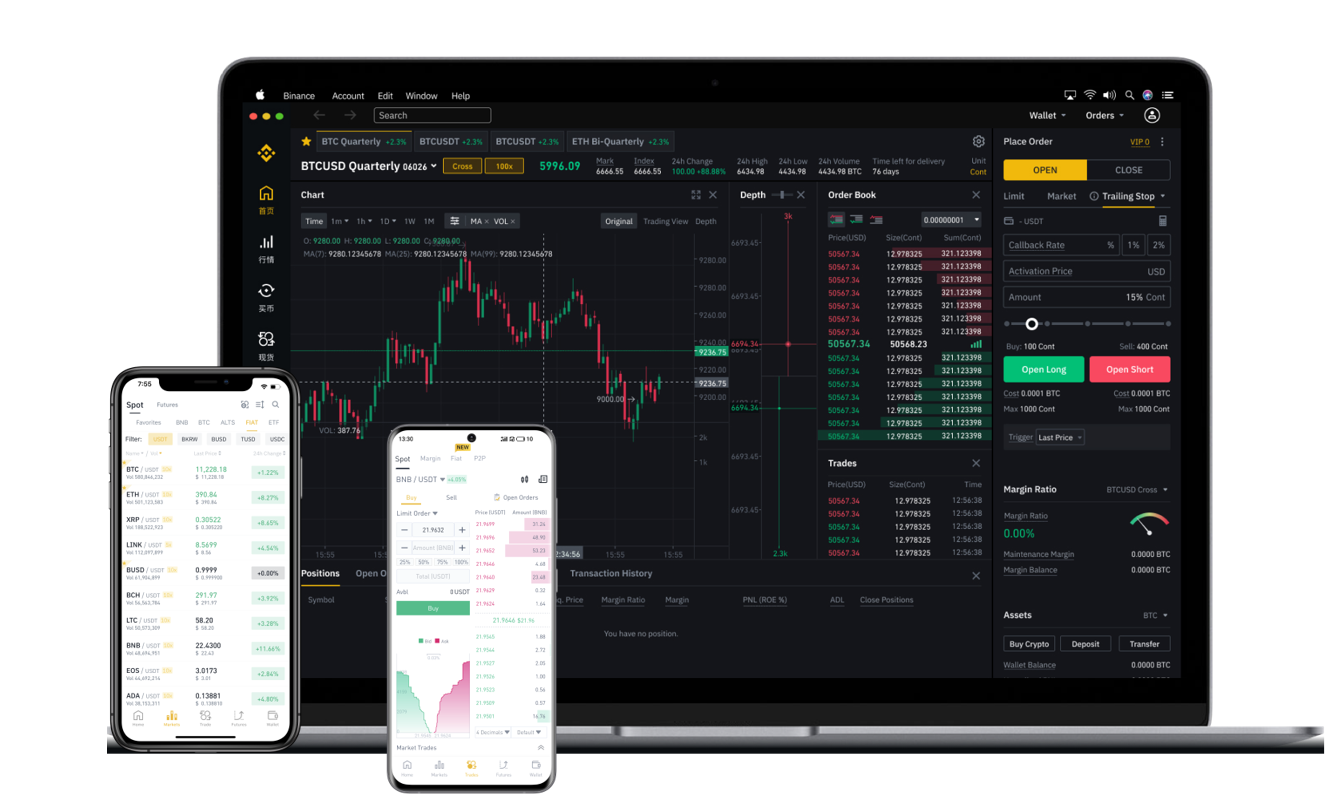
After your deposit is confirmed, you can start trading. Binance offers several ways to use ELA: through the Spot market, Margin trading, or Futures. For most regular users, the Spot market is the safest and simplest option. Click on "Trade" and select "Spot." In the trading pair search bar, enter "ELA" to see available pairs such as ELA/USDT, ELA/BTC, or ELA/ETH. To buy ELA, for example, use the USDT pair. Enter the amount of USDT you wish to spend or the amount of ELA you wish to buy. You can use a "Market" order to buy immediately at the current price, or a "Limit" order to set a specific price you are willing to pay. Once the order is filled, the ELA will appear in your Spot Wallet.
If you want to withdraw ELA from Binance to a personal wallet, go back to "Wallet" and select "Withdraw." Choose ELA, enter the recipient address and the withdrawal amount. Again, ensure you select the correct network (BEP2, BEP20, or ERC20) that matches your destination wallet. Binance charges a small withdrawal fee for ELA, which varies by network. Always double-check the address and network to avoid errors.
For advanced users, Binance also offers the option to stake or earn passive income with ELA. Under the "Earn" section, you can look for flexible or locked savings products that support ELA. This allows you to hold your tokens while earning interest. However, availability depends on current promotions and pool sizes.
Security is vital when using ELA on Binance. Enable two-factor authentication (2FA) using Google Authenticator or SMS. Avoid clicking on phishing links and only access Binance through the official website or app. Also, consider using the "Whitelist Address" feature to restrict withdrawals to trusted addresses only.
In summary, using ELA on Binance involves depositing funds via the correct network, trading on the Spot market, and withdrawing securely to your own wallet. By following these steps, you can manage your Elastos tokens with confidence. Always stay updated on network changes and Binance announcements regarding ELA to ensure smooth transactions.